Big Savings for ABCmouse Subscribers
Your ABCmouse subscription unlocks learning for your child and savings for the entire family.
The ABCmouse Parent Perks Program brings discounts from well-known family brands to ABCmouse Premium subscribers, including savings on groceries, hands-on learning activities, and family finance and organization tools.
ABCmouse has always supported learning for children ages 2–8, and now it’s giving families even more–real savings from trusted brands that everyone can enjoy.

Families with a paid ABCmouse subscription can access discounts from a growing list of partners.
KiwiCo


Inspire creativity through hands-on play
Hands-on projects for kids to explore science, art, geography, culture, and engineering–all delivered right to your door.
Sam’s Club


Stock up on everyday essentials
Access everyday low prices on your go-tos, time-saving perks like Scan & Go™ checkout, members-only gas prices at select locations, and a free additional household membership.
COMING SOON!
Greenlight


Keep the whole family in sync
Calendars, chores, lists, photos, and everyone’s location, all on one Family Hub display. Safe Family trackers put kids, grandparents, and pets on that same map.
Acorns
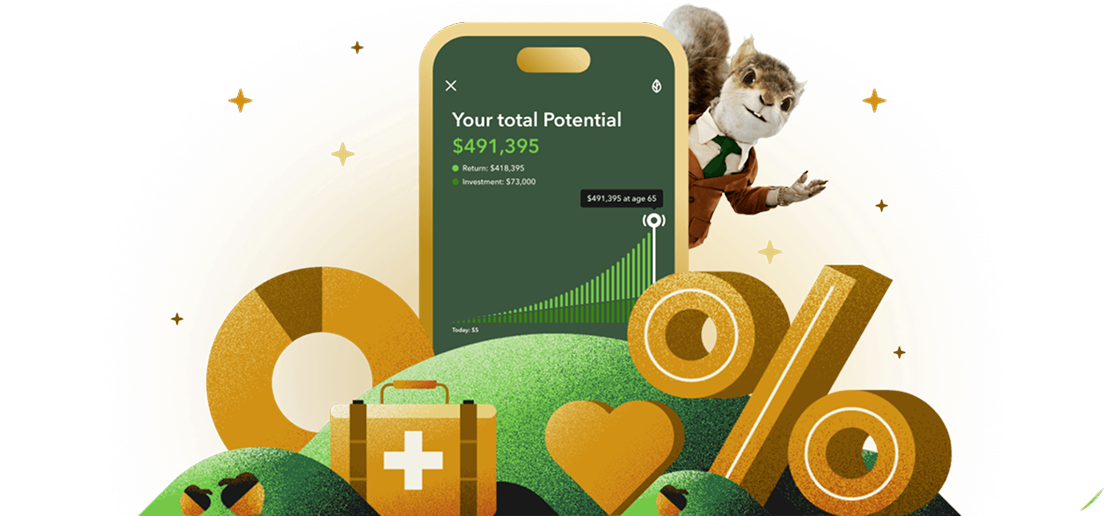

Save & Invest for Your Family
Grow your savings, invest your spare change, and build toward your future—automatically.
Investment advisory products and services offered by Acorns Advisers, LLC, an SEC Registered Investment Adviser
ABCmouse Shop
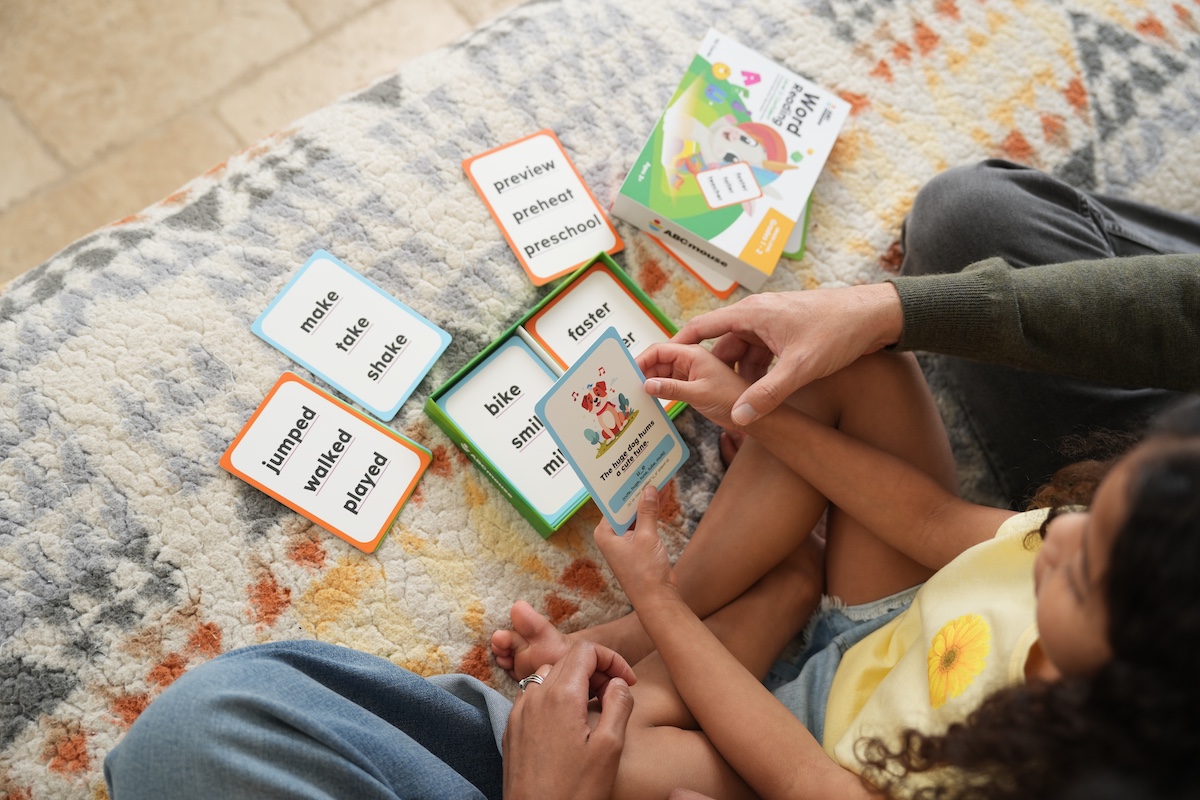

Tools that support your child’s learning journey
Offline learning from ABCmouse, including flashcards, workbooks, readers, and more.

Who is Eligible for the ABCmouse Parent Perks Program?
ABCmouse Membership
Any Paid ABCmouse Subscriber
Trial ABCmouse Subscriber (1-3 month free trial)
Free-to-Play (Basic) ABCmouse Subscriber
ABCmouse Subscriber via Amazon Kids+ or any other streaming service
Parent Perk Access
Full access to the Parent Perks program
Full access to the Parent Perks program after first payment to ABCmouse
Not eligible for program. Must have an active paid ABCmouse subscription
Not eligible for program. Must have an active paid ABCmouse subscription through ABCmouse
Already Subscribed to ABCmouse Basic?
Open the ABCmouse app or log in
Pick the annual or monthly plan from the Membership section

Switch to Premium to Unlock:
- 13,000+ learning activities
- 3 child profiles
- Customizable Learning Paths in Reading and Math
- Thousands of educational games, books, songs, and videos
- Reading, writing, math, science, art, and music all in one app
- Safe, ad-free experience designed for young learners
- Savings through the Parent Perks Program
Start Learning & Saving with ABCmouse
Give your child a head start on learning. Give your family discounts on brands you already know.
Your ABCmouse subscription supports your child’s learning with a trusted curriculum designed by education experts for ages 2–8 and includes savings that benefit every family member.


Research shows students using ABCmouse make twice the early learning gains of their peers.*
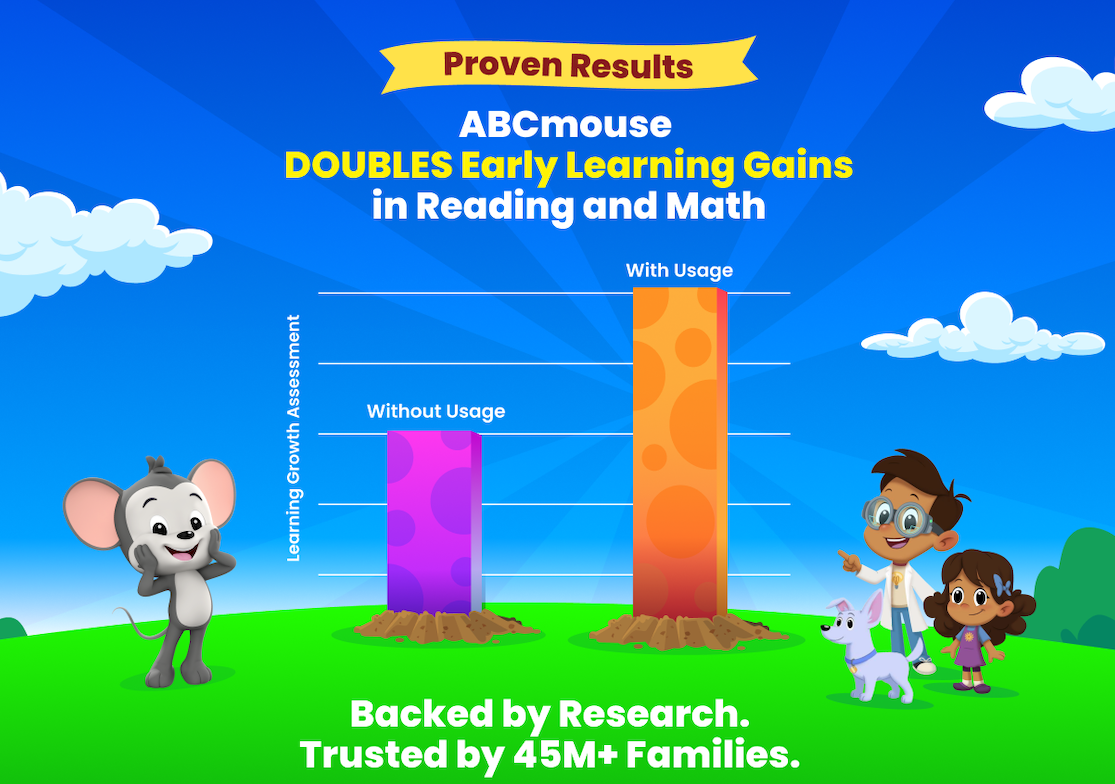
Age of Learning study; PreK kids; min. 2 days/wk & 1 hr/wk usage. See aofl.com/research for more info.

ABCmouse Parent Perk Program FAQ
What is the ABCmouse Parent Perks Program?
The ABCmouse Parent Perk Program is a members-only benefit built into the ABCmouse Premium subscription that unlocks savings and experiences from trusted family brands across groceries, educational toys, and family finance and organization tools.
Is there an extra cost to the ABCmouse Parent Perks Program?
No. The ABCMouse Parent Perk Program is included with ABCmouse Premium memberships at no additional charge. Parent Perks are unlocked the moment a Premium membership begins.
Who is eligible for the ABCmouse Parent Perks Program?
Active paid subscribers (monthly, annual, semi-annual) and gift-subscription recipients get full access to the Parent Perk Program. Trial users unlock redemption after their first payment. Free-to-play users (Basic) and ABCmouse subscribers from Amazon Kids+ or any other streaming service are not eligible and need a direct ABCmouse subscription to unlock access to the Parent Perks Program.
How do I access and redeem a perk?
To access and redeem an ABCmouse Parent Perk from the ABCmouse app or on the web, go to Settings and then select Parent Perks to open the catalog. Tap a perk for details and terms and conditions and then tap Redeem, and you’ll be taken to the partner’s site to complete the redemption. Some offers apply automatically, while others provide a code.
Is my information shared with Parent Perks Partners?
When you redeem a Parent Perks offer, you will leave the ABCmouse app or site and be redirected to the partner’s site, where the partner’s own privacy and security policies apply.

