ABCmouse: Free for Teachers and Their Students
Teachers–the #1 most downloaded kids’ education app is FREE for use in your classroom!
Share
ABCmouse for Teachers is a completely free classroom platform for PreK–2nd grade educators that tailors the trusted, research-backed ABCmouse learning experience to support teachers and their students.
ABCmouse is completely ad-free and features 13,000+ activities for kids ages 2–8 across reading, math, science, art, coding, and more, giving teachers thousands of new ways to expand their students’ learning.
The redesigned ABCmouse for Teachers also allows educators to search and assign content from My Math Academy and My Reading Academy, sister programs to ABCmouse that are specifically designed for use in schools.
Free ABCmouse for Teachers Includes:
🍎 Full Access to ABCmouse
Thousands of activities for students at every level, reinforcing what you’re already teaching
🍎 Whole-class instruction
Project ABCmouse on any screen for your entire class
🍎 Curriculum-aligned content assignment
Browse and assign activities to your whole class by grade, subject, or skill for in-class use or at-home practice
🍎 Connection to student learning at home
In-class ABCmouse assignments follow students home at no cost to families
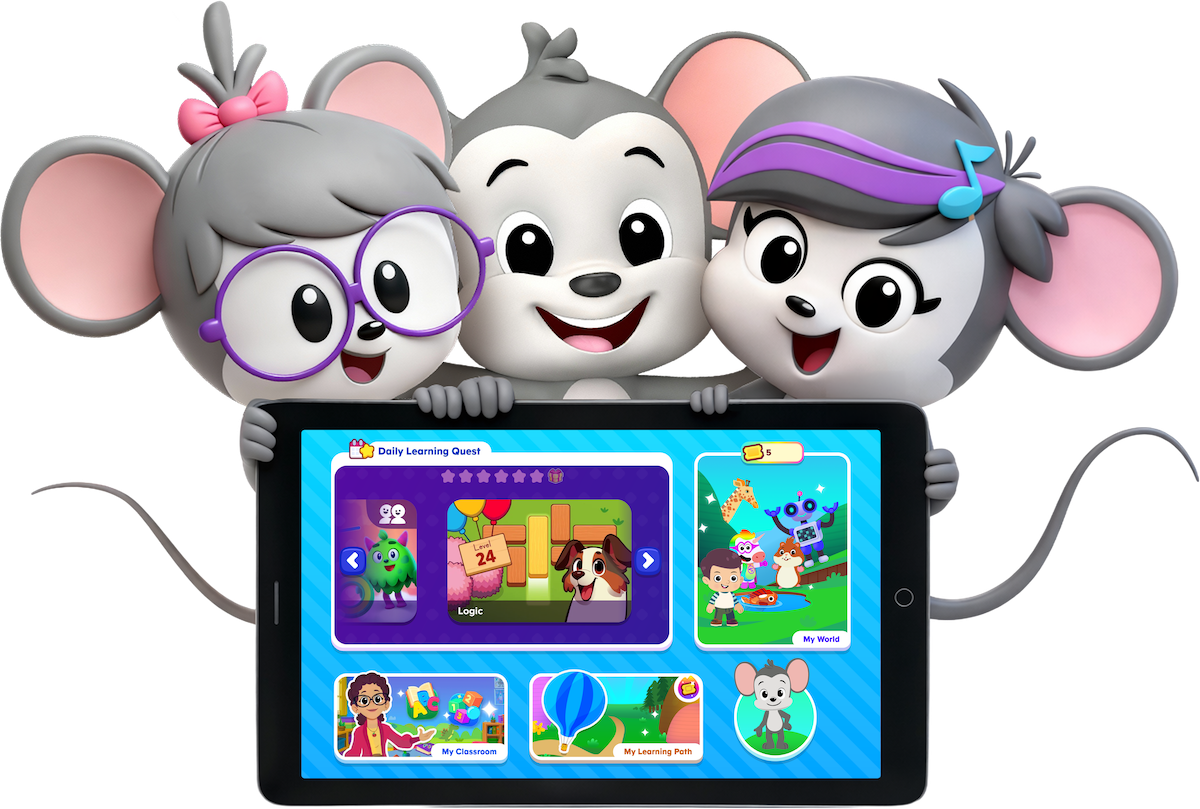


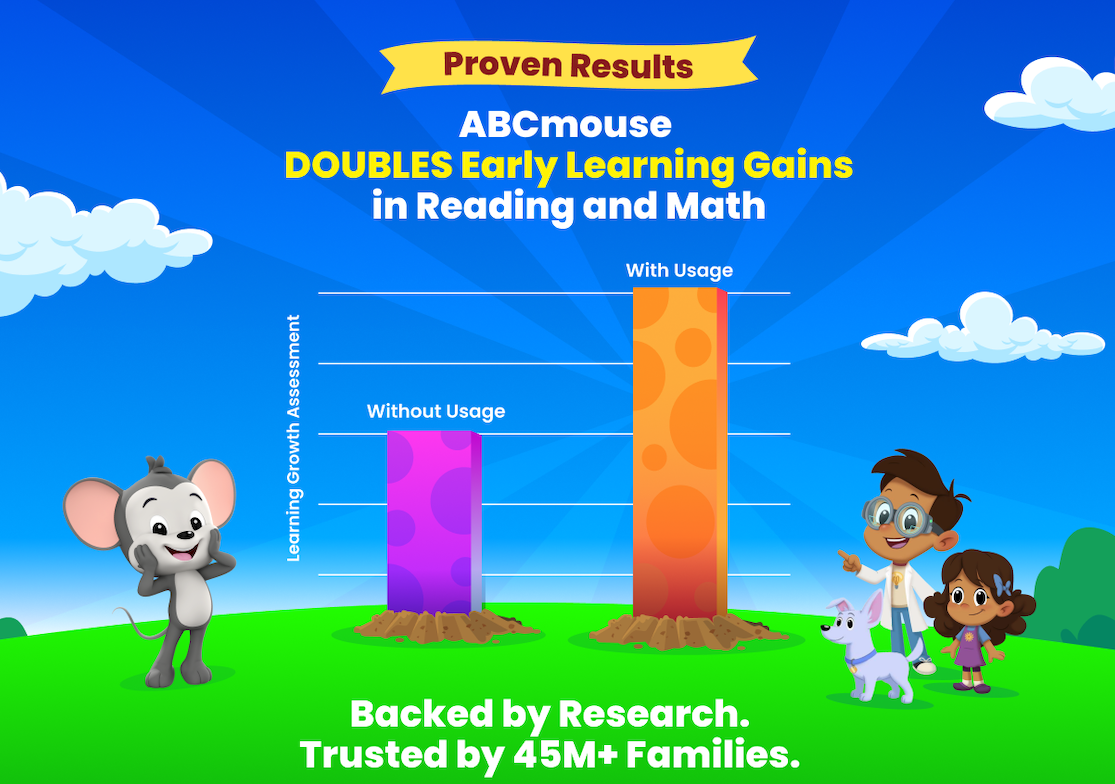
ABCmouse has been reimagined to support today’s teachers and students. Research shows students using ABCmouse make twice the early learning gains of their peers.*
Age of Learning study; PreK kids; min. 2 days/wk & 1 hr/wk usage. See aofl.com/research for more info.
How ABCmouse Supports Teachers
🍎 Flexible Instruction: Designed for whole-class instruction, small-group learning, centers, or independent practice
🍎 Classroom Management: Teacher dashboard to manage a class roster, assign activities, and provide students with a secure way to log in and learn
🍎 Adjustable Learning: Change a student’s Learning Path level at any time
🍎 Learning Continues at Home: Extend learning with printable worksheets to send home, plus free at-home access to assignments
🍎 Targeted Assignments: Assign activities to the entire class (and soon to individual students!)
🍎 Flexible Learning Options: Designed for use in classroom centers, small groups, independent learning, as an entire class, and at home.
How ABCmouse Supports Students
🍎 Free Home Access: Students can complete assignments at home at no cost to families
🍎 Simple Student Login: Easy login process so even the youngest learners can join independently with a class code or QR code (no usernames or passwords needed)
🍎 Personalized Learning Paths: Custom learning paths in math and reading that move each student through the curriculum at a pace that’s just right for them
🍎 Enrichment Opportunities: Extended enrichment to grow skills beyond the core curriculum, including spatial awareness, coding, social-emotional learning, and background knowledge to help boost foundational understanding of essential concepts
🍎 Discounted Family Access: Teachers can share a special link giving parents access to the full ABCmouse experience at a discounted rate.
Why Teachers Love ABCmouse

“ABCmouse for Teachers is a tool our teachers can use to reinforce the foundational skills our students need as they prepare for a lifetime of learning. It gives our teachers the flexibility to meet each child where they are and keep the whole class engaged and learning. I would recommend ABCmouse for Teachers one hundred percent.”
–Donna Kim, Director of Learning Tree Montessori of Arcadia
Free for Teacher accounts are for individual registered teachers and educators of public schools, private schools, and Head Start programs in the U.S. and Canada and are to be used for classroom and in-school purposes only.
Teachers can explore more FREE resources from ABCmouse with our printable coloring pages and ideas for educational activities.
ABCmouse Free for Teachers FAQ
How do I set up my classroom?
Teachers can quickly and easily set up their classroom with ABCmouse in just a few steps:
- From your dashboard (or from the sign-up Congratulations screen), follow the prompts to Set Up My Classroom.
- Enter a classroom name and select your grade level(s).
- Click Create My Class.
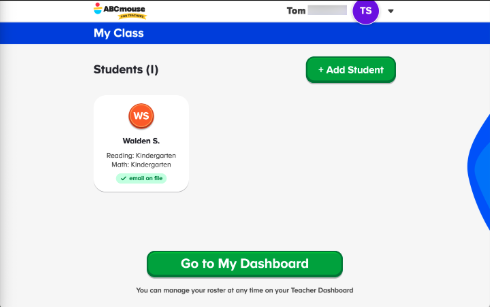
- Add your students — you’ll need each student’s first and last name, grade level, and optionally, a parent email address. Click +Add Student to add more students, or Go to My Dashboard
How do I add or remove students or change their information or Learning Path?
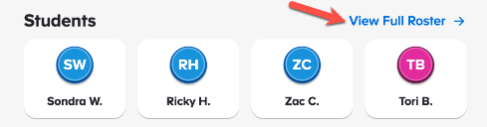
Teachers can add or remove students from their roster or change student information at any time from the Teacher Dashboard. Simply click View Full Roster to make any changes, such as changing a student’s Learning Path level for Reading or Math, or finding the picture passcode for a student who forgot theirs.
What can I access from the Teacher Dashboard?
Once teachers are signed in, their dashboard serves as their home base for managing their students in the ABCmouse app. From the dashboard, they can do the following:
- See their class code — a short code students use to log in at school (these codes expire; note the duration they’re good for)
- View a preview of their student roster
- Quickly navigate to Assignments, Printables, Curriculum, and FAQs
- Access Projection Mode to launch ABCmouse directly on a classroom display
- Print the Home Discount Flyer to send home with students
How do I assign activities to my class in ABCmouse?
ABCmouse for Teachers gives you access to hundreds of activities from the ABCmouse curriculum — including reading, math, science, social studies, art, and more. Teachers can hand-pick activities to assign to the whole class to work on in class or at home. To create an assignment:
- Click Assign Activities from your dashboard.
- Browse or search the activity catalog.
- Use the filters to narrow by subject, grade level, activity type, domain, topic, or language.
- Click +Class for each activity you want to assign to the class (up to 10 activities).
- Review the selected activities at the top of the page (click x to remove any).
- Click Save Changes to save and have the assignment go live for the class.
Your students will see their assigned activities the next time they log in. You can edit an active assignment at any time by adding or removing activities. When students log in at home, they see only the activities you have assigned, which keeps at-home learning focused on your priorities.

